FPS stability
Focus on 1% lows, frametimes and stutter, alongside average FPS.
 TMFTWEAKER
Get TMF Tweaker
TMFTWEAKER
Get TMF Tweaker
Hardware-aware Windows and game optimization focused on FPS stability, frametimes and responsiveness.
Scan your system. Apply what fits. Measure the result.
Revert supported changes when they don’t help.
Windows 10 / 11 · Lifetime license · Updates included
Benchmark before and after a change.
Find out what helps your PC, in your games.
Focus on 1% lows, frametimes and stutter, alongside average FPS.
Dedicated runtime controls for FiveM, GTA V, Valorant and CS2.
CPU, GPU, RAM, storage and Windows state give changes context.
Snapshots and history help you restore supported changes.
No blind bundle of hundreds of tweaks.
Understand the change. Then test it.
See your hardware and relevant Windows state before you start.
Review applicable recommendations and choose what to change.
Run a before-and-after benchmark in the same game and conditions.
Keep what helps. Restore supported changes from your history.
Hardware, background load and system findings.
The context to decide where to look first.
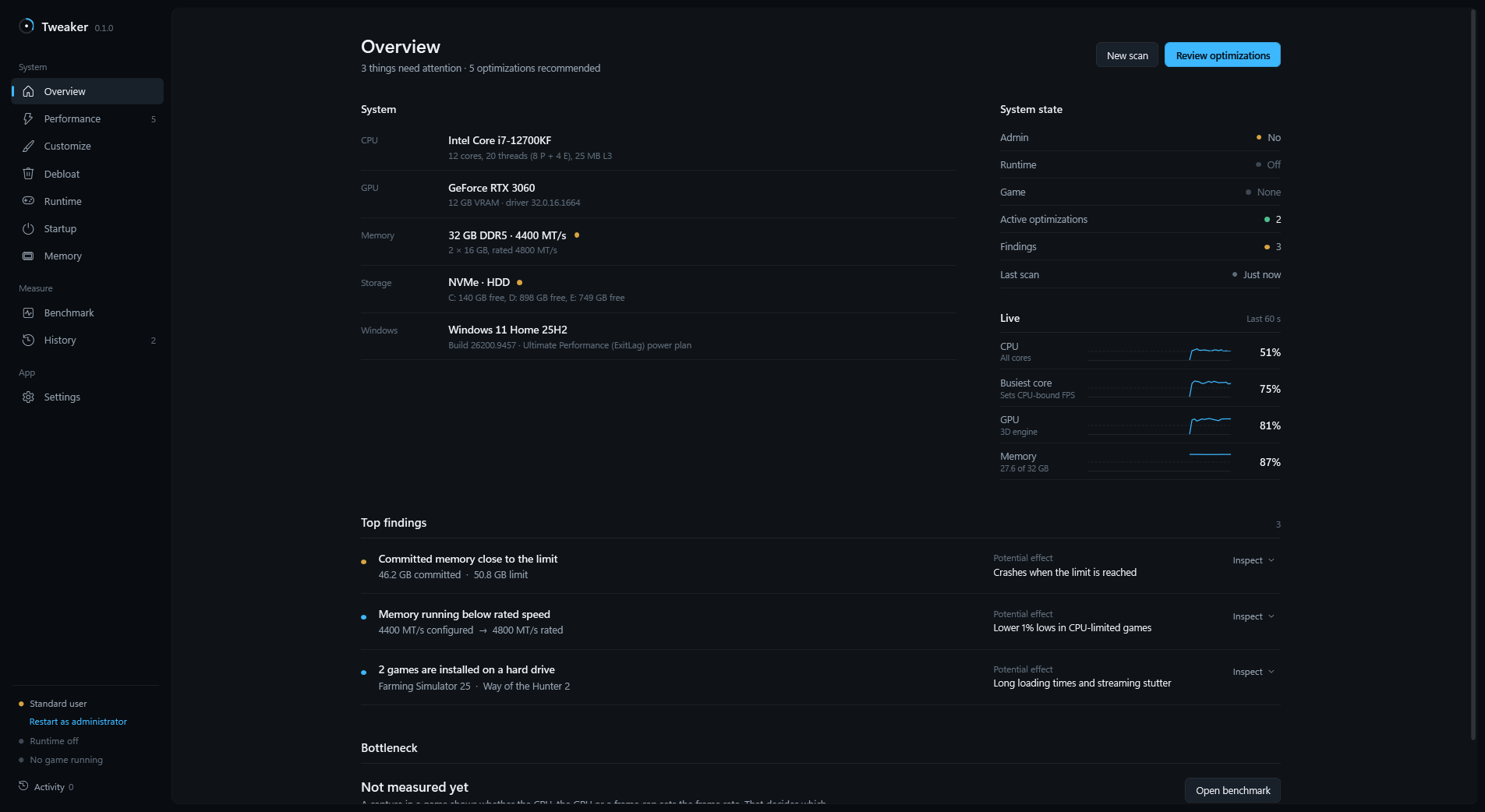
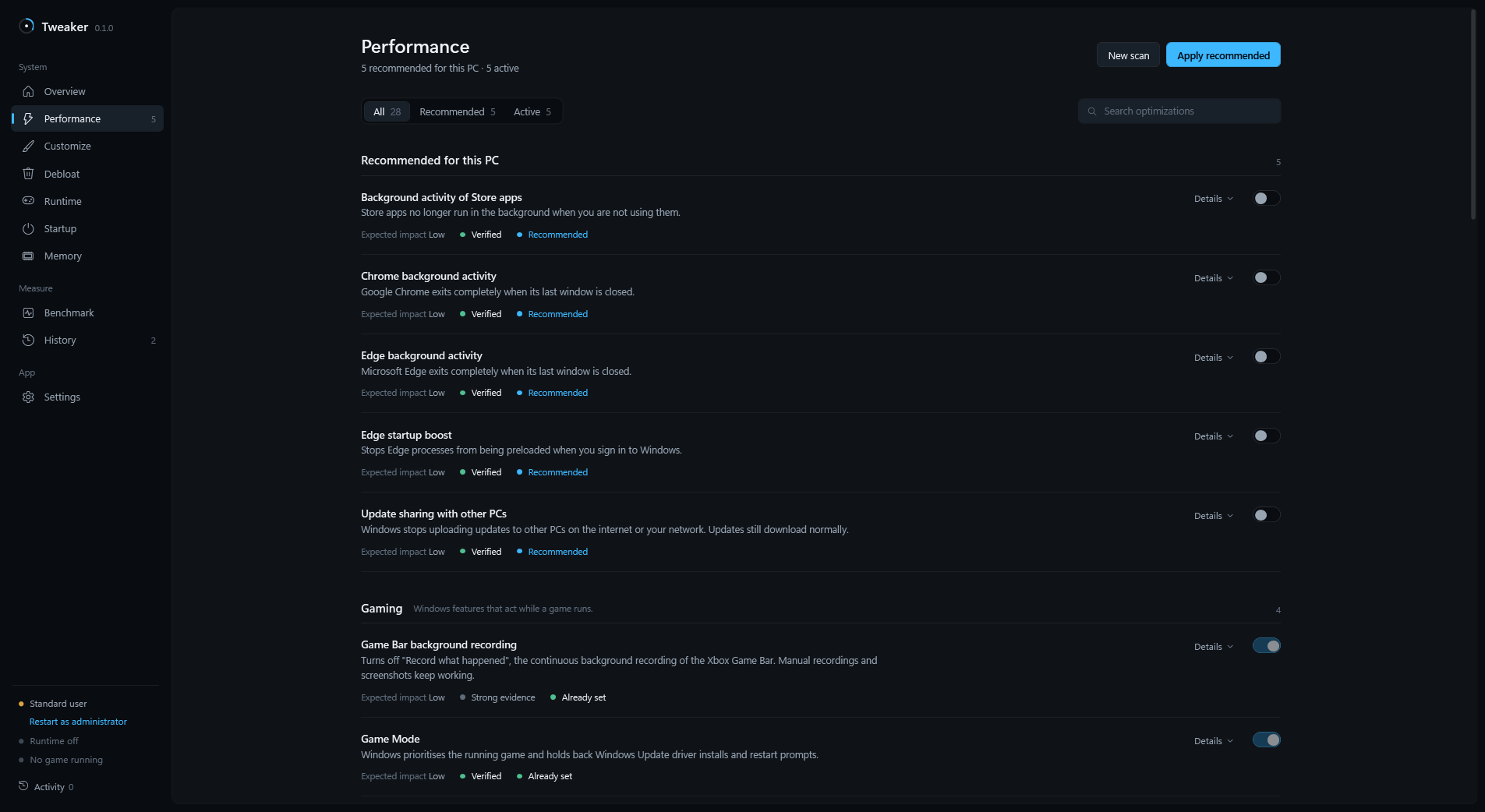
Review each setting’s explanation and applicability.
You choose which changes to make.
Compare FPS and frametimes before and after.
Let the result decide what stays.
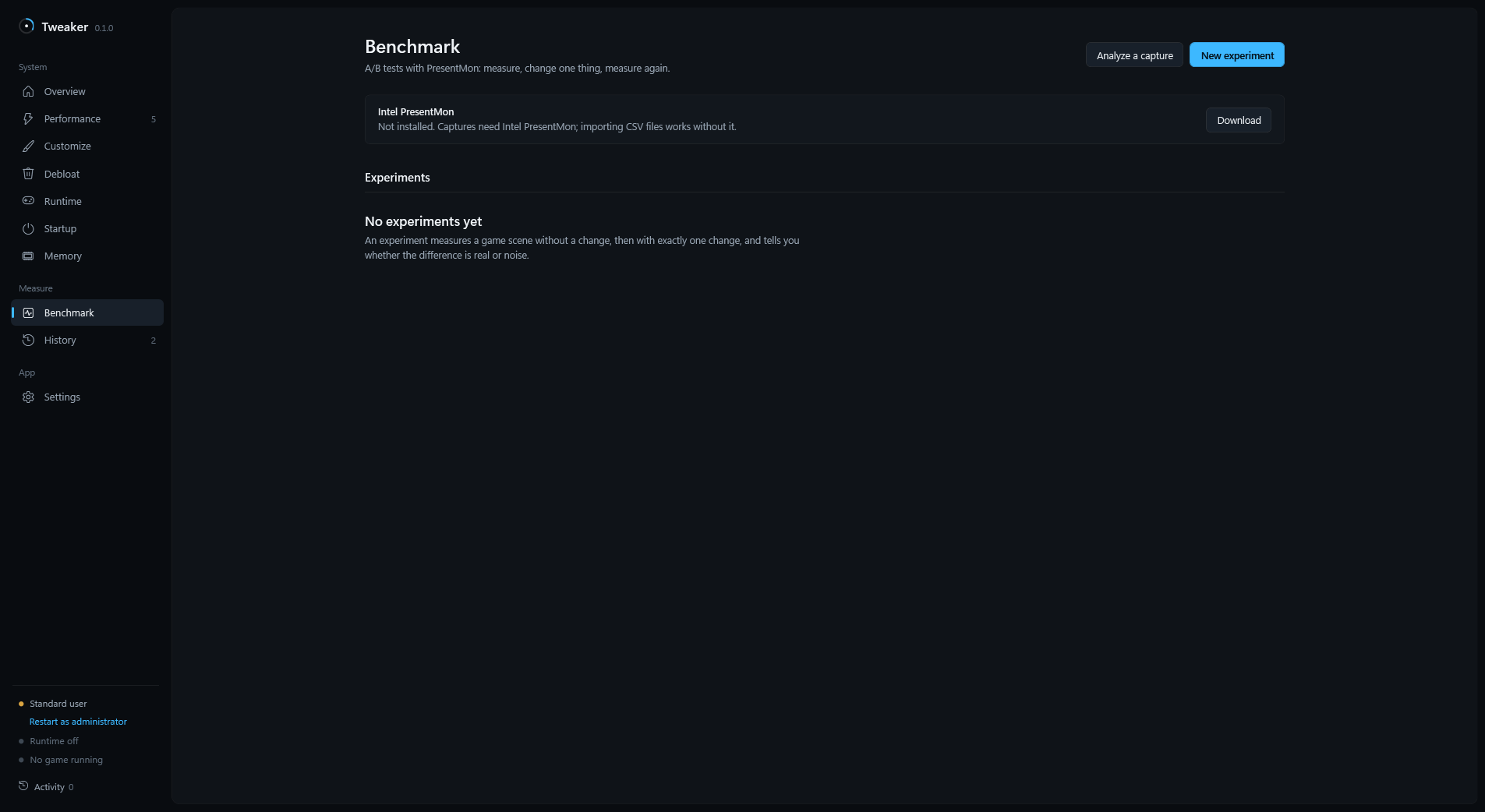
Real app screenshots from an earlier release. Interface details and results vary.
Give each game its own runtime profile. Manage process priority, supported CPU scheduling and background load while you play.
Check game-specific settings and frame-pacing advice, then open an A/B benchmark to measure your changes.
One license. All included profiles.Runtime profile · Settings insights · Cache maintenance
Legacy & Enhanced · Display and rendering insights
Runtime profile · Display settings · Reflex advice
Runtime profile · Frame cap and launch-option insights
In v1.1.6, game graphics settings are read for context, not automatically changed. Runtime profiles don’t replace in-game graphics settings. Other games can be added manually.
Performance tuning should come with context and a record of what changed.
Review recorded changes and restore supported settings. Runtime profile adjustments are restored when the game ends.
Check each setting’s notes and requirements. Experimental options are marked; unsupported changes aren’t blindly applied.
Some actions, including cache maintenance, cannot be undone. Some changes and reversals need a Windows restart.
A good free tool can be useful. TMF brings the scan, explanation, game profiles and measurement into one workflow.
| Before you change a setting | With a standalone script | With TMF Tweaker |
|---|---|---|
| Does it fit my hardware? | Check its requirements and scope. | System scan and applicability checks. |
| What will it change? | Review the script and its documentation. | Setting explanations and game profiles. |
| Did it actually help? | Arrange a comparable benchmark. | Integrated before-and-after comparisons. |
| Can I go back? | Check whether it offers a restore path. | History and undo for supported changes. |
Free tools vary. Choose one that explains its changes and gives you a way to verify the result.
Hardware-aware tuning, game profiles and measurement in one desktop app.
Questions? Join the Discord€24.99 One-time purchase
Purchase through Lemon Squeezy.
Account required · One active PC per license
Install TMF, sign in with Google or Discord and activate your license.
The installer is not code-signed; Windows SmartScreen may show a warning. Downloading does not unlock the app.
Clear answers.
No performance promises.
No. Results depend on your hardware, game and bottleneck. We don’t promise FPS. We measure it. Compare before and after under similar conditions to decide whether a change helps.
Supported changes have history, snapshots and undo options. Read each setting’s notes. Some actions, such as cache maintenance, are not reversible, and some changes need a restart.
Dedicated profiles cover FiveM, GTA V Legacy and Enhanced, Valorant and Counter-Strike 2. Other games can be added manually. In release 1.1.6, runtime profiles adjust how the game runs; they do not write graphics presets.
Yes: Windows 10 version 2004 or newer and Windows 11, on x64 PCs. The installer includes the .NET runtime. Available settings depend on your hardware and Windows version.
Yes. €24.99 buys a lifetime license with future updates included. A license is linked to one account and one active PC. Sign in with Google or Discord and activate your purchased license in the app.
TMF does not require you to disable Windows security. Turning off Microsoft Defender is rejected as a tuning recommendation. Security-sensitive topics are explained separately; do not treat a security trade-off as a routine performance fix.
Not for the system scan. Some Windows changes need administrator rights. TMF tells you when elevation is required.
Open Settings → Updates to check for a release. Choose when to download and restart. Your sign-in and settings are preserved. Updates are included with your license.
After a successful online license check, the app can work offline for up to 48 hours. Reconnect to refresh the license check.
€24.99 · Lifetime license · Updates included